What this suite is and who it fits
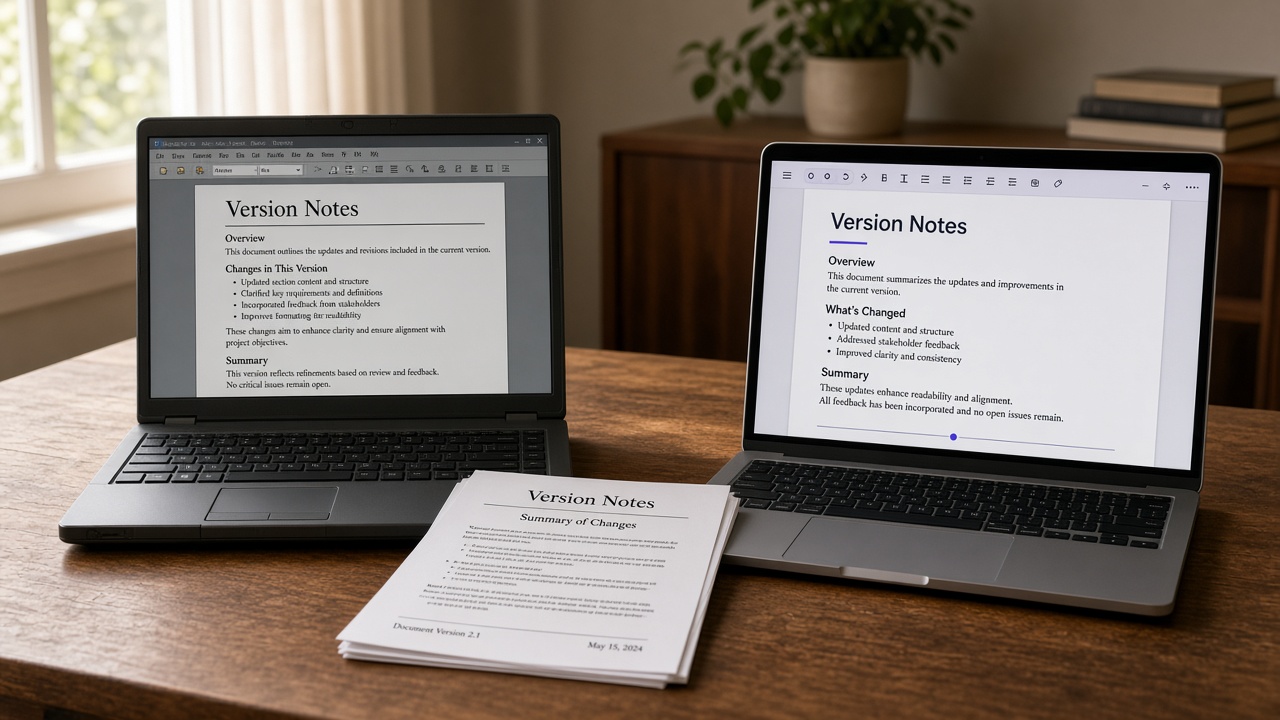
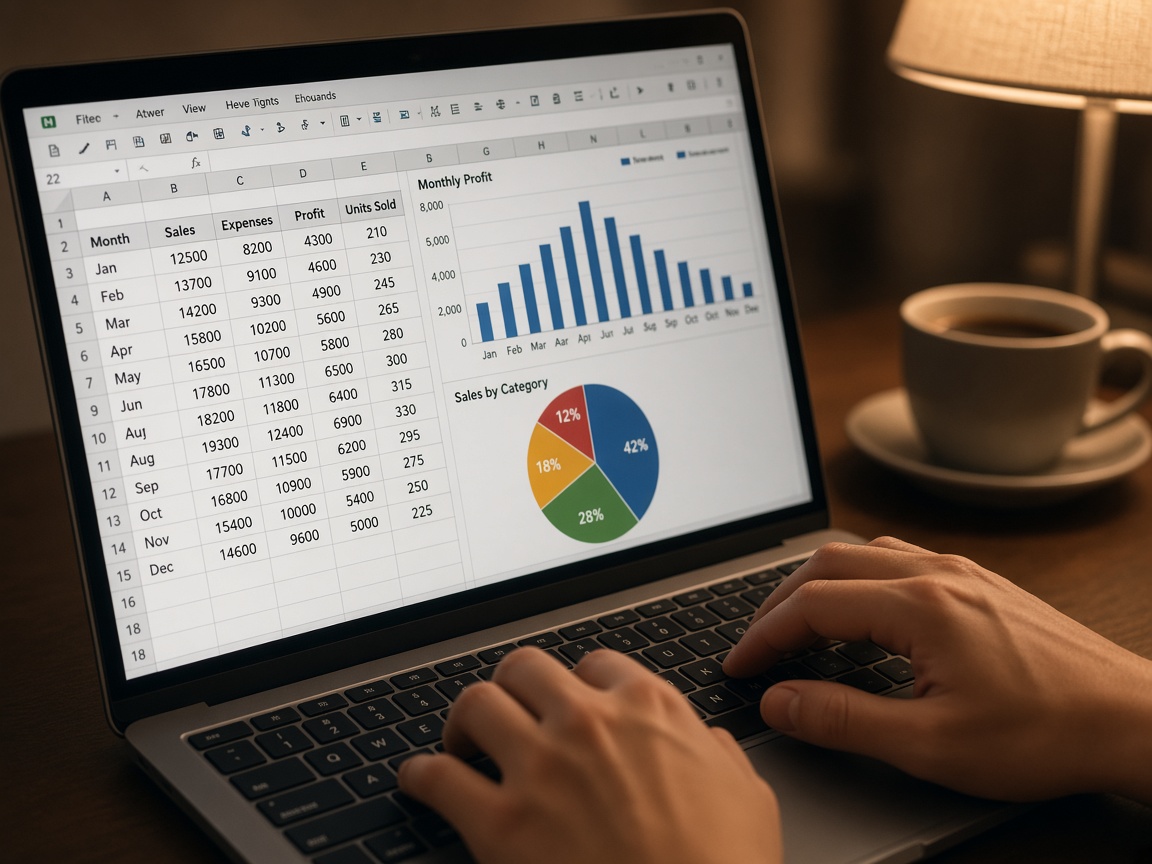
LibreOffice is a free office suite for documents, spreadsheets, presentations, drawings, formulas, and simple databases. The project grew out of OpenOffice.org and is developed by the community around The Document Foundation. It installs on Windows, macOS, and Linux. A cloud subscription is not required: files stay on disk, and the native format is the open ODF standard. For letters, reports, school work, and household accounting, that is usually enough.

The suite’s main strength is the license. You can install it at home, in a school, and in a small firm without paying per seat. Second is true offline work: a document does not depend on someone else’s server. Third is a full set of modules in one install: Writer, Calc, Impress, Draw, Math, and Base. Fourth is flexible PDF export. Fifth is open source: vulnerabilities are discussed in public, not only inside a vendor. For an editorial team or a bookkeeping desk, that means predictable rules instead of a hidden tariff.
The limits should be named plainly. Complex Word and Excel files with VBA macros, unusual pivot tables, or corporate fonts may open differently than they did for the author. LibreOffice macros are written in Basic, Python, and JavaScript, but that is not a copy of VBA. The interface is stricter than commercial suites, and the foundation does not run a vendor hotline: help comes through forums, documentation, and independent integrators. A large company needs that fact in its support policy, or downtime at quarter-end will cost more than the license savings.
Versions run on two tracks. Fresh is the newer line, with recent features. Still is the calmer line for people who need stability. Historically the suite moved through early 3.x and 4.x, mature 6.x and 7.x with better OOXML and PDF import, then the 24.x and 25.x family with calendar-style numbering. Old branches eventually stop receiving security fixes. A five-year-old build is updated not for looks, but to close known holes. Before a major-version jump, keep copies of important files and check extensions: not every add-on survives the move.
Neighboring suites should be compared on support and terms, not slogans. Microsoft 365 gives tight OOXML compatibility, cloud services, and an official SLA, but it is a subscription tied to an ecosystem. OnlyOffice is strong in co-editing and in Word and Excel files; there is a free edition and paid server licenses. WPS Office looks familiar, yet the free build often carries limits and promo blocks, and full terms depend on the region. Google Docs is strong in the browser and weak offline and in complex print layout. LibreOffice wins where you need a zero license fee, local files, and an open standard. It loses where a contract demands a vendor SLA and a perfect match with Excel macros.
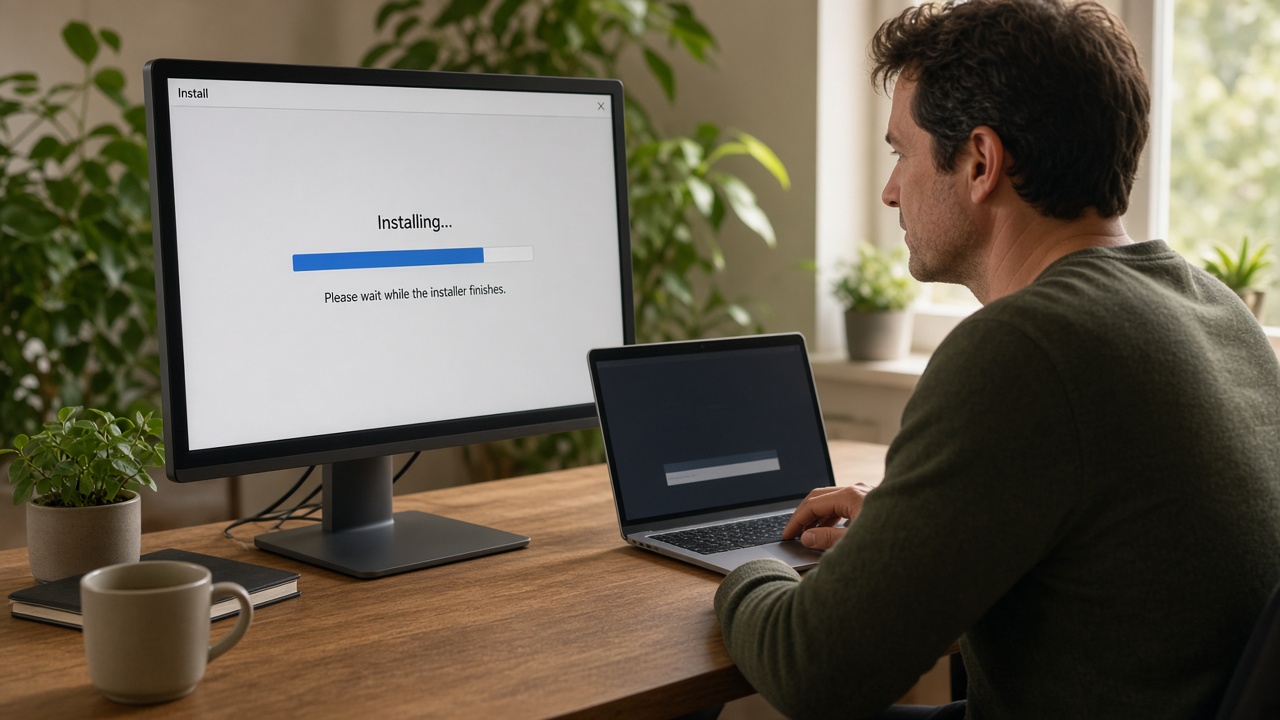
Installers are not hosted on this site, and we do not publish links to official portals. On Linux, take the package from your distribution repository or a Flatpak catalog — the OS maintainers sign the build. On Windows, look up the app in the system store by the exact name and publisher The Document Foundation. On macOS, use a verified image from the project’s own channel or a package manager, and check the checksum. Do not install “download accelerators,” banner buttons from video sites, or unsigned archives. After setup, confirm that the digital signature matches the publisher. For a fleet of machines, pin the Still branch and update it centrally. If a file arrived as an email attachment or a short messenger link, refuse it: installer substitution is a common scam.
This text is a reference from an independent author, not a statement by the developer. Before a workplace rollout, check the license, your security policy, and how the suite behaves on your real files.